Personal context
Skincare starts with you
Your skin type, ingredient lists and separate profiles.

MAKEUP Info helps you check cosmetic ingredients from a photo of the INCI label or INCI text, understand what ingredients do, compare products and choose skincare with your skin type in mind.
Find your starting point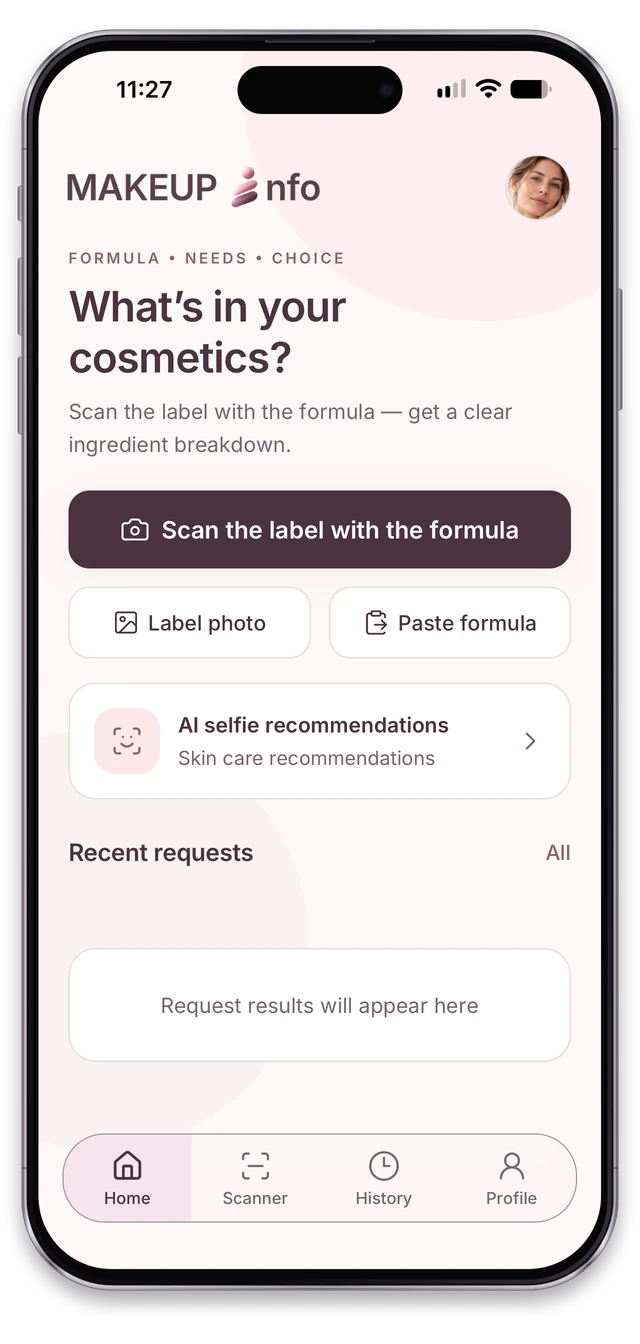
Your skin type, ingredient lists and separate profiles.
Ingredient differences and guidance on using products together.
Three steps to learn more about a product you use.
Photograph the label, upload an image or paste the INCI list.
Receive a notification when the analysis is ready and open the ingredient breakdown.
Your history helps you recall the details and select two products to compare.
Analyze cosmetic ingredients, compare two products, check how they work together or explore skincare recommendations from a photo. Choose your starting point.
Explore what the ingredients do and how they are grouped by function. The analysis takes your selected skin type into account; personal lists help highlight ingredients in the result.
A photo of the label showing INCI or INCI text
Ingredients, explanations and guidance
User reviews of the cosmetic product
Analysis history and a PDF report
Each profile has its own skin type, preferences and history. Choose skincare with individual needs in mind.
Each profile has its own skin type, photos, lists and history. Each family member has their own profile and a personalised selection of cosmetics.
Add ingredients you prefer or want to avoid. The app highlights them in the analysis.
Revisit ingredient analyses, comparisons, compatibility results and consultations.
Export a completed result to save, share or print it.
Start an analysis with a label photo or ingredient text. Revisit your latest completed results.
You can take a photo, choose an image from your gallery or paste the INCI text. Comparison and compatibility require two completed analyses with ingredient lists first.
Comparison explains differences between two products. Compatibility explores their interactions and guidance on using them together.
It brings together your skin type, photos, ingredient lists and history. Lists help highlight your preferences in the analysis; settings and history are kept separate for each profile.
No. The report is created from the completed result. In the app, you can save it, share it through the system menu or print it.
MAKEUP Info provides information and skincare guidance. AI analysis can contain errors and does not replace a doctor’s consultation.
Ukrainian, Russian, English, German, French, Italian and Polish. The app follows your device locale; the website language can be changed in the header.
INCI stands for International Nomenclature of Cosmetic Ingredients: the ingredient names you see on product packaging. In MAKEUP Info, add a photo of the INCI label or paste the ingredient list to get an explanation of ingredient functions with your selected skin type in mind. The result helps you understand the formula but does not guarantee that a product will not cause an allergy or an individual reaction.
Learn more about the cosmetics already in your routine.